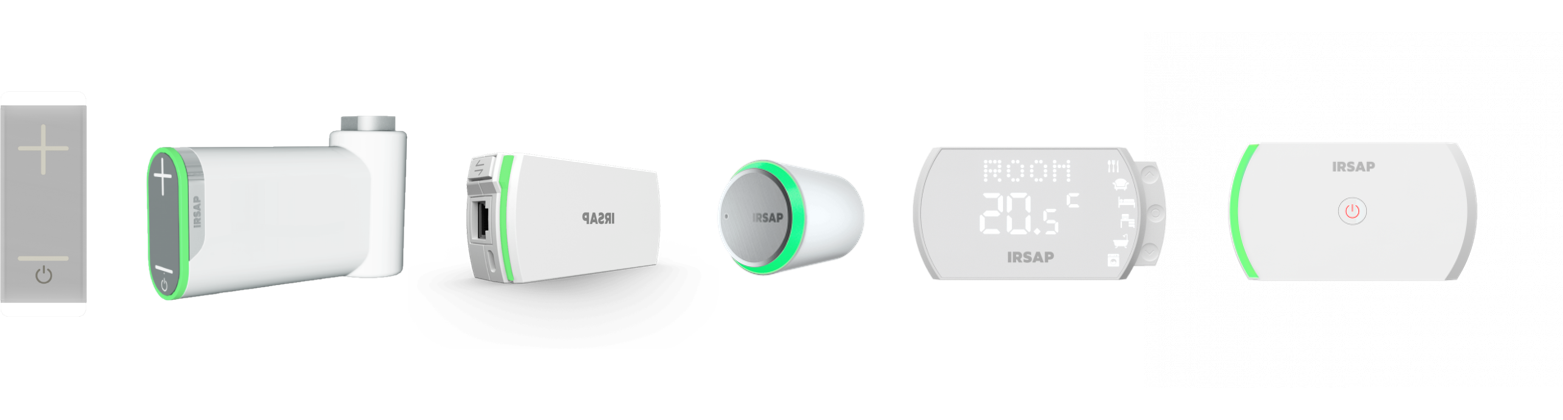
The guide describes how to configure your heating system managed via the IRSAP NOW App.
|
|
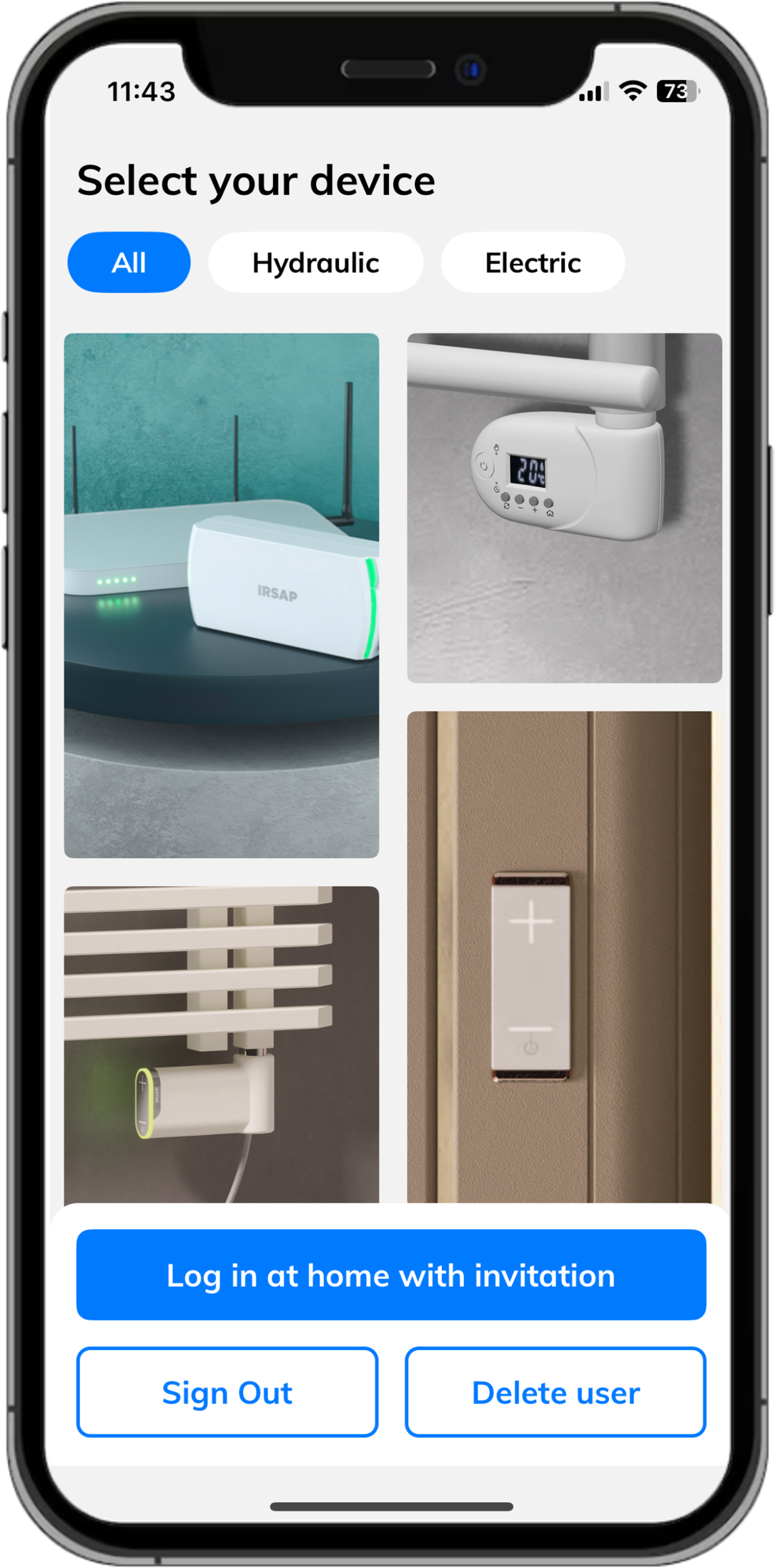
- From the welcome screen, select the device you want to install.
- Select Add device at the bottom of the screen.
- Enter the address of the home where you want to install the device, select it from the list, and confirm with the arrow at the bottom right.
- On the next screen, the data will be filled in automatically. Check that they are correct and confirm with the arrow at the bottom right.
- Choose a name for your home and confirm by selecting the check mark at the bottom right.
- Confirm by selecting the check mark at the bottom right;
- Proceed with pairing your device.
|
 |
Attention!
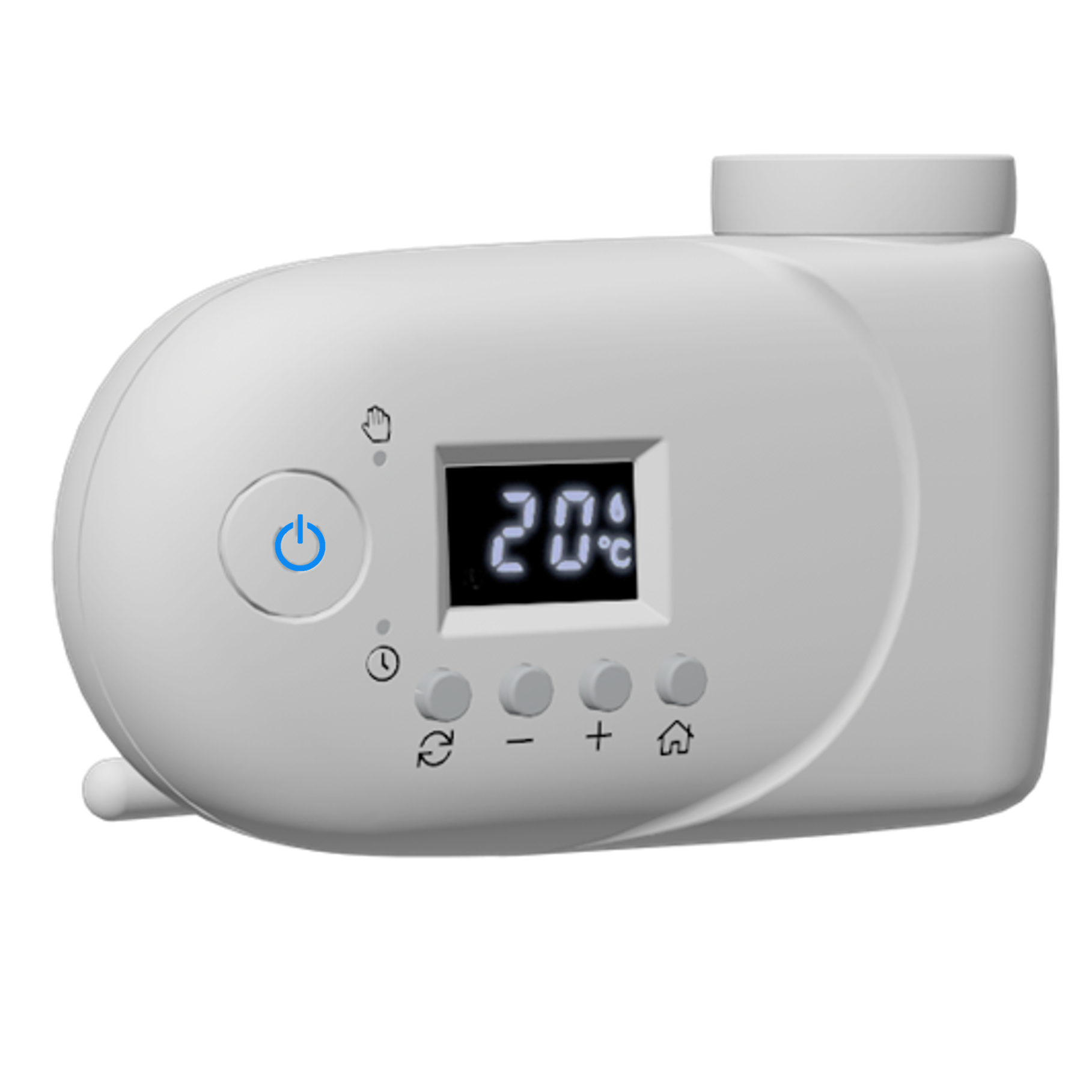
If the device to be configured is an electric radiator type Y, click here!
|